Web design · Development · SEO
Tailwind CSS
Tailwind CSS explained: utilities and workflow | scinet
Editorially reviewed ·
Clear definition
Tailwind CSS is a CSS framework for composing interfaces from small styling classes. One class controls spacing, another sets a text colour. These classes are called utilities. You combine them in HTML and use them to build your own components.
The first look at that markup can feel a little crowded. That is understandable. The idea is to keep styling decisions visible where an element is defined. You get a system of rules and values to work with, while deciding how your website should look. This entry describes the approach used by Tailwind CSS 4.
How classes become an interface
Imagine a card containing a heading and a contact link. p-6 adds padding; rounded-lg rounds the corners. A prefix such as md: changes a property from a particular screen width upwards. Variants also cover states such as keyboard focus.
These rules are still CSS. You need to understand what spacing, layout and contrast do. Tailwind reduces the need to write your own selectors. It does not decide whether the contact link has a useful label or is easy to reach.
At a glance
Theme and build work together
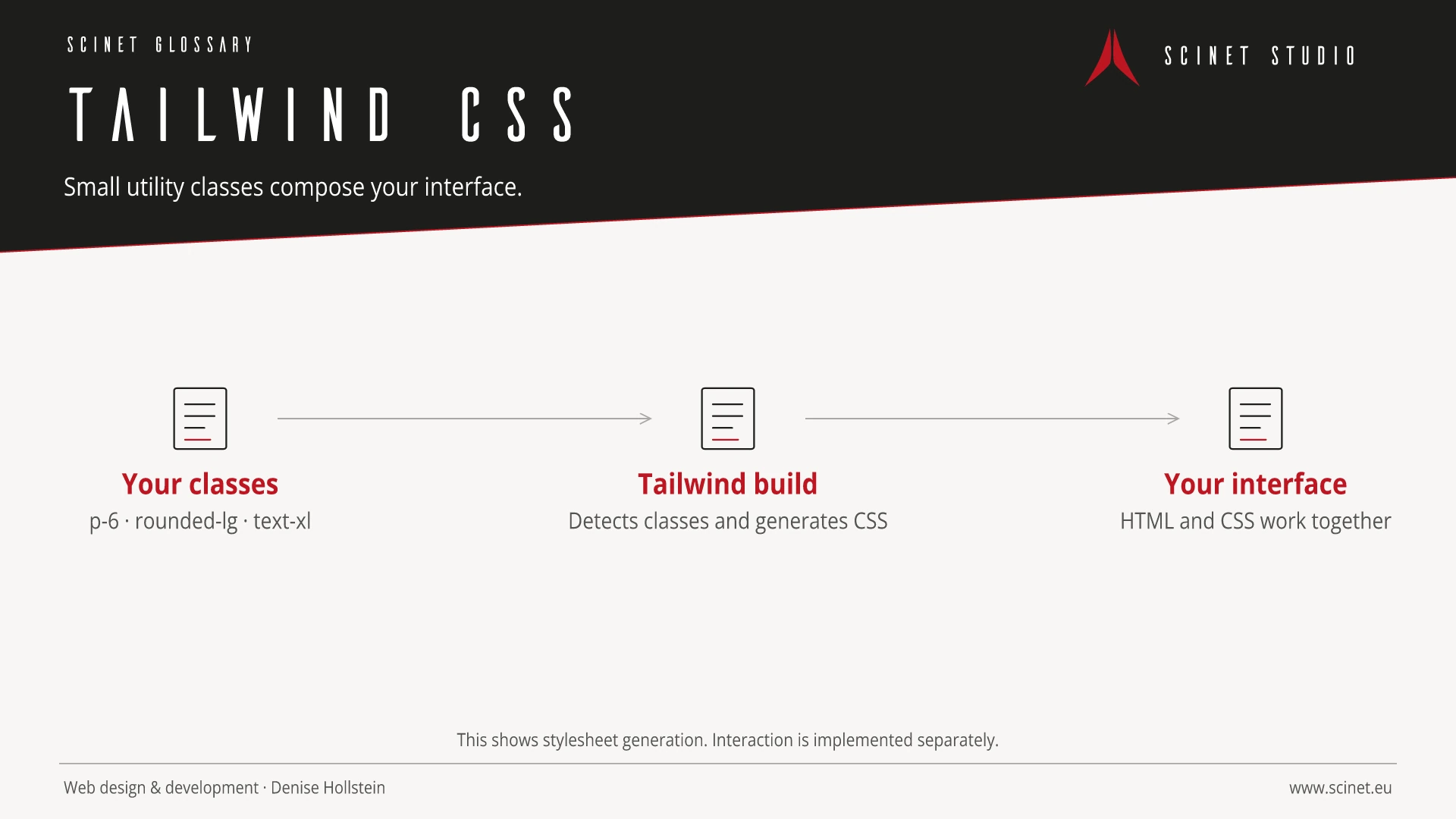
In Tailwind 4, @theme defines theme values in CSS. These can make corresponding utilities available, for example for your brand colours. This helps you reuse the same decisions across the interface.
During the build, Tailwind scans the relevant source files for class names. Write variants as complete class strings. A string assembled from bg- and a database colour is not automatically detected as a complete class. The Play CDN is useful for experiments; the documentation does not recommend it for production websites.
When I would consider Tailwind
Tailwind can fit a distinctive design built from reusable components. A shared template for all service cards can prevent the same class list from being maintained independently in twenty places.
Before choosing it, I would build one real page with long headings, a form and a mobile layout. Does your team work comfortably with it? Is the build documented? Can future changes be made in a central component? Those questions tell you more than counting HTML classes. A small existing website does not need a migration simply because another tool sounds interesting.
How it differs from Bootstrap and Bulma
Bootstrap and Bulma provide styled components as a starting point. Tailwind CSS primarily provides small styling rules. Additional component libraries can build on it, but choosing one is a separate decision.
A dialog needs more than an attractive panel. Opening, closing, focus and keyboard operation must work as well. Include that effort when comparing tools. A small CSS file is also only one part of loading performance: images, fonts and JavaScript belong in the same assessment.
Related reading: Bulma · Design Tokens · CSS Custom Properties · Bootstrap 6 Alpha compared.
Practical code example
A simple contact card
Original example. Requires a configured Tailwind 4 build that scans this file. The link remains a normal HTML element.
<article class="rounded-lg border border-slate-300 p-6">
  <h2 class="text-xl font-semibold">Your project</h2>
  <p class="mt-3">Tell me what you have in mind.</p>
  <a class="mt-4 inline-block underline focus-visible:outline-2"
     href="/en/kontakt/">Discuss your project</a>
</article>
Sources and further reading
- Documentation Styling with utility classes Tailwind CSS · Checked
- Documentation Theme variables Tailwind CSS · Checked
- Documentation Detecting classes in source files Tailwind CSS · Checked
- Documentation Play CDN Tailwind CSS · Checked
