Web design · Development · SEO
HTML
HTML explained: semantic structure of web pages
Editorially reviewed ·
Clear definition
HTML stands for HyperText Markup Language and is the standard markup language for documents on the web. Elements identify headings, paragraphs, links, images, forms, navigation, and more. The browser uses them to build the document model that CSS and JavaScript can access. HTML is not a programming language and does not determine design or all interaction by itself.
Appropriate semantic HTML makes content easier for browsers, search engines, and assistive technologies to understand. A logical heading structure, descriptive link text, form labels, alternative text, and native controls support SEO and accessibility. Valid code is helpful but does not guarantee rankings or an accessible website on its own.
At a glance
HTML in practice
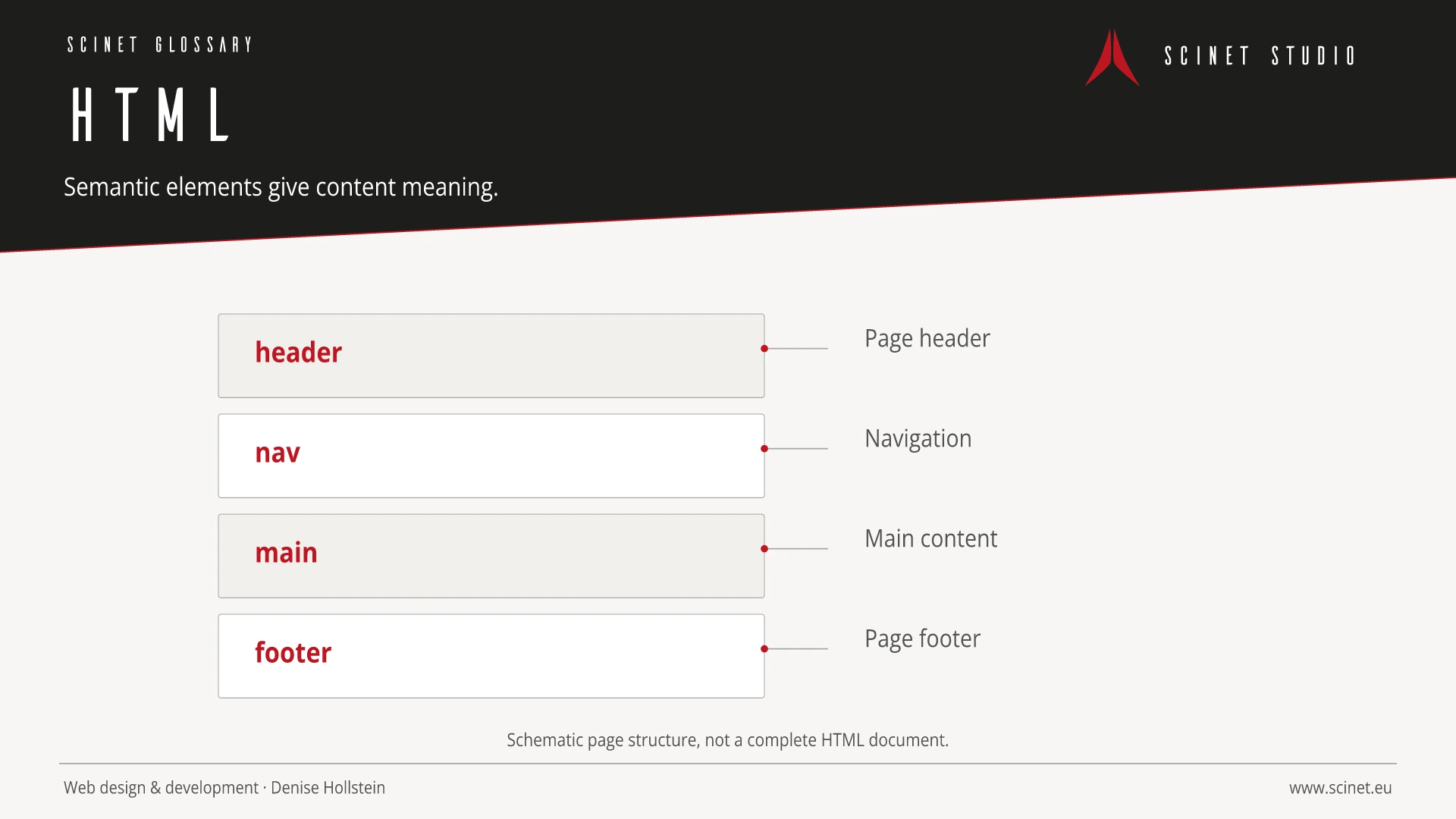
Semantic elements should be chosen for meaning rather than desired appearance. Headings, navigation, main content, forms, and buttons then gain a robust structure that can be styled with CSS.
In a strong web project, technology, content, and interaction are planned together rather than one after another. Clear responsibilities make maintenance, testing, and future extensions easier. Choosing an approach therefore involves more than current features: clarity, security, performance, and long-term ownership of the code all matter.
HTML: relevance to SEO, paid search, and GEO
Search engines and ads only bring people to a page. Whether that visit produces visibility, trust, or an enquiry also depends on technical accessibility, loading speed, semantic structure, and stable interaction. Sound web foundations support crawling and accessibility, improve landing-page experience, and reduce friction on the path to conversion. They do not replace strategy, but they allow content and campaigns to perform effectively.
For search and answer systems, coverage of HTML should distinguish its definition, scope, and evaluation criteria. The editorial reference is “HTML Living Standard” by WHATWG, making central claims traceable for readers and machine-based systems.
Practical code example
Semantic foundation of a content page
Heading, navigation, main content, and supporting information use elements that reflect their meaning.
<header>
  <nav aria-label="Hauptnavigation">…</nav>
</header>
<main id="main-content">
  <article>
    <h1>Seitenthema</h1>
    <p>Ein verständlicher Einstieg in das Thema.</p>
    <section aria-labelledby="details">
      <h2 id="details">Details</h2>
      <p>Vertiefende Informationen.</p>
    </section>
  </article>
</main>
<footer>…</footer>
Sources and further reading
- Standard HTML Living Standard WHATWG · Checked
