Web design · Development · SEO
Canonical Tag
Canonical tags explained: specify a preferred URL
Editorially reviewed ·
Clear definition
A canonical tag is a link element in the HTML head that signals a preferred URL for identical or highly similar content. The rel="canonical" annotation can consolidate signals from multiple URL variants onto one representative address. Google treats it as a strong signal but ultimately selects the canonical URL itself.
The canonical URL should be absolute, accessible, indexable, and genuinely representative of the content. Internal links, sitemaps, redirects, and hreflang annotations should not point to conflicting destinations. A canonical is not a substitute for a redirect when a URL has permanently moved, nor for noindex when content should not appear in search at all.
Canonical Tag in practice
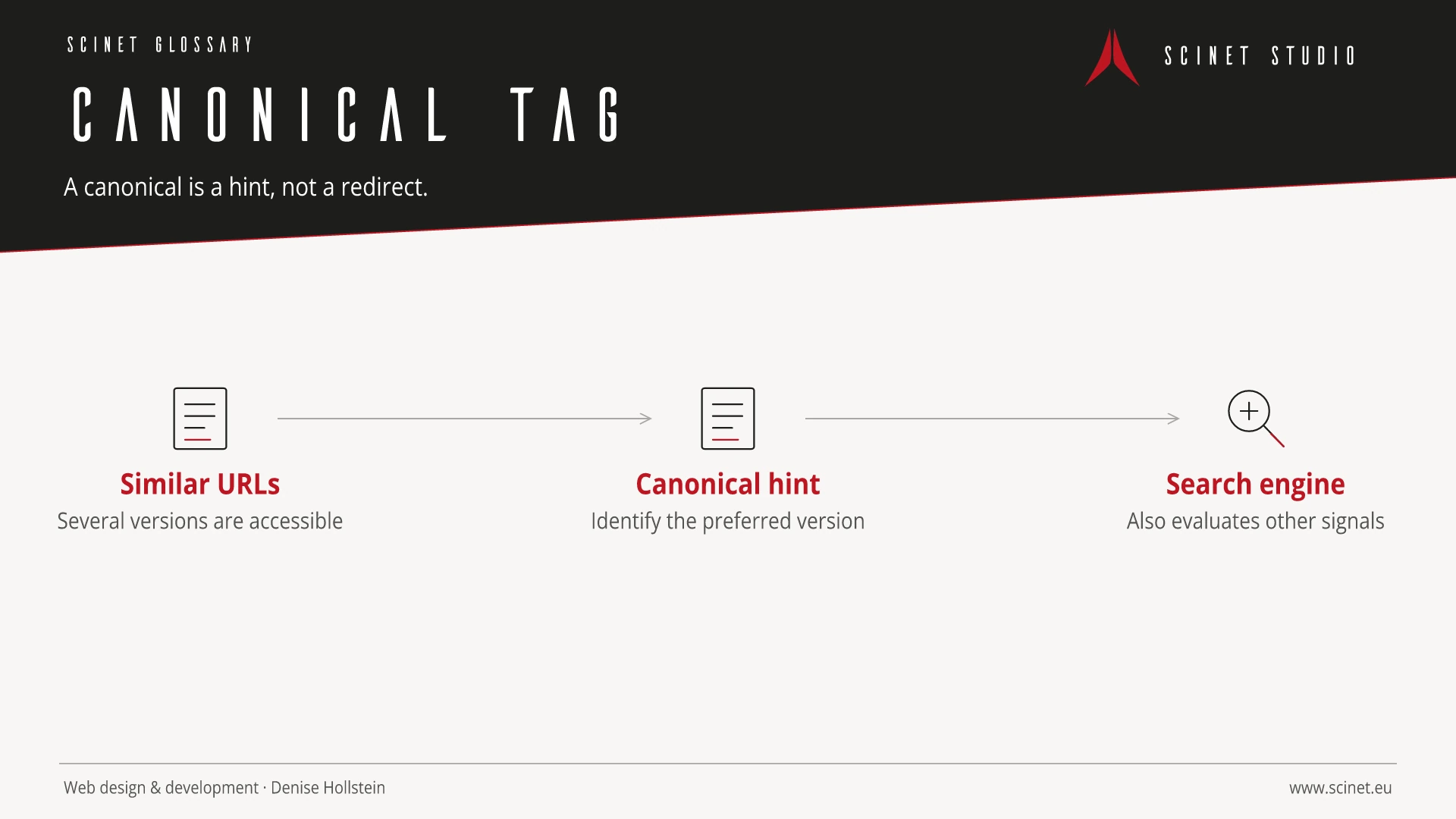
A canonical is a hint about the preferred URL among similar pages, not a redirect or a guaranteed indexing control. Internal links, sitemaps, and technical responses should support the same preference.
Search optimisation starts with a real information or action need, not the longest possible keyword list. A page should perform a recognisable task, provide reliable answers, and be technically unambiguous. Work is prioritised sensibly when potential impact, effort, dependencies, and business relevance are considered together.
At a glance
Canonical Tag: relevance to SEO, paid search, and GEO
SEO and paid search often address the same needs but operate through different mechanisms and timescales. Ads can test messages and demand quickly, while organic pages build durable discoverability and depth. Shared query, landing-page, and conversion evidence can improve both disciplines. Budgets and attribution still need separate evaluation so paid traffic is not mistaken for organic success.
For search and answer systems, coverage of Canonical Tag should distinguish its definition, scope, and evaluation criteria. The editorial reference is “How to specify a canonical URL” by Google Search Central, making central claims traceable for readers and machine-based systems.
Practical code example
Canonical URL in the document head
The absolute URL points to the preferred version. Internal links and the sitemap should use the same address.
<head>
  <title>Canonical Tag verständlich erklärt</title>
  <link rel="canonical" href="https://example.com/de/glossar/canonical/">
</head>
Sources and further reading
- Documentation How to specify a canonical URL Google Search Central · Checked
