Web design · Development · SEO
Website Footer
Website footer explained: navigation and trust at the end of a page
Editorially reviewed ·
Clear definition
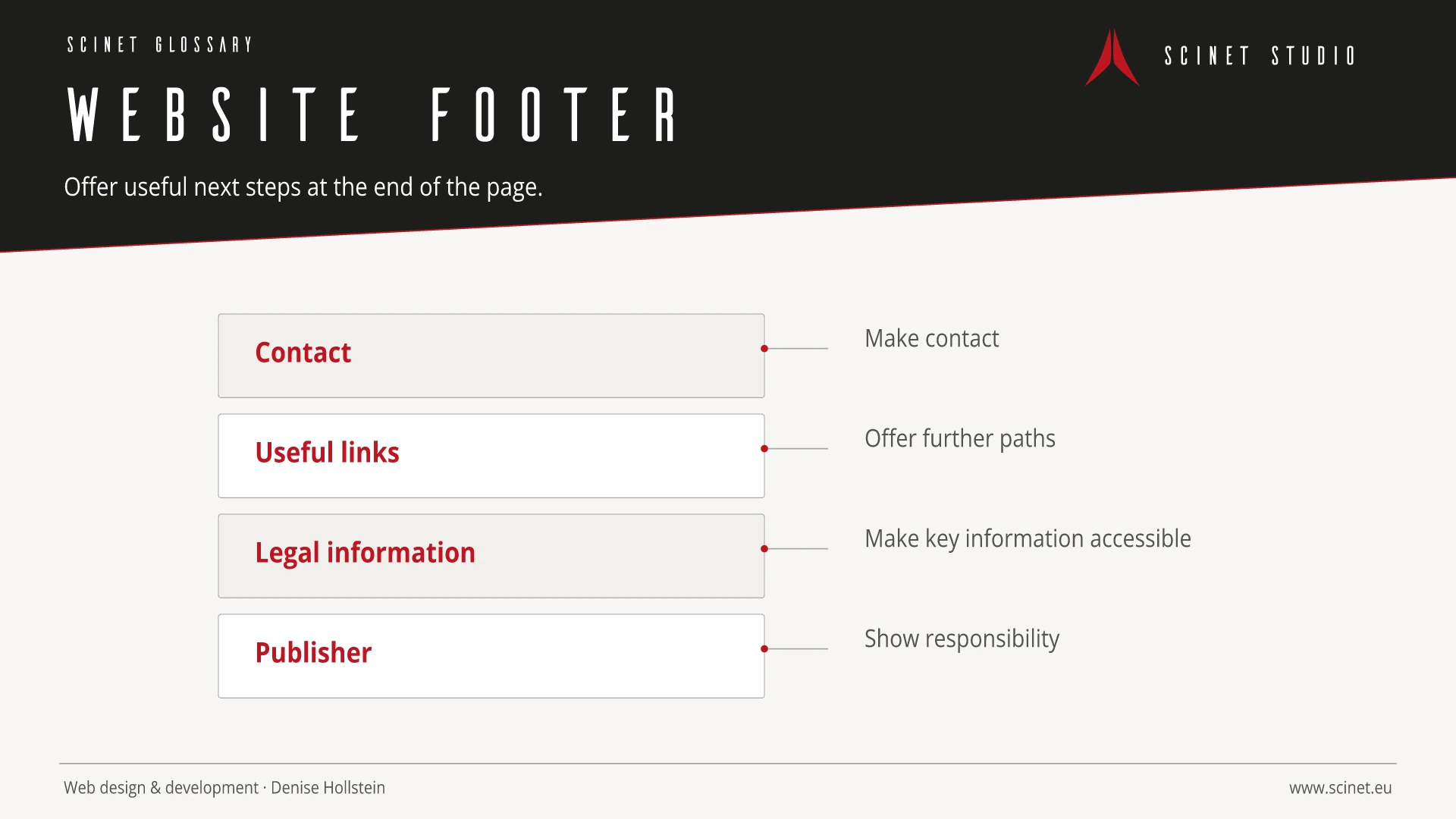
A website footer is the closing area of a web page. It commonly contains contact options, supplementary navigation, legal links, language or country selection, social media references, and organisational information. A footer provides orientation when users reach the end of content and can expose relevant next steps.
The footer should be structured by relevance rather than used as a repository for unlimited keyword-rich links. Repeated internal links can support navigation and crawling but do not replace a clear site structure. Contact and trust details must remain current. Forms, accordions, and link groups in the footer require clear labels and full keyboard access on small displays as well.
At a glance
Website Footer in practice
A footer is more than storage for legal links. It can make important contact, service, and trust information discoverable without duplicating the main navigation.
An interface element should have a recognisable purpose and behave consistently across the site. Focus, hover, error, loading, and small-screen states are part of the component. Implementation becomes more reliable when content, semantic element, and visual presentation are considered separately. Interaction then remains understandable without animation and when assistive technology is used.
Website Footer: relevance to SEO, paid search, and GEO
Recognisable components reduce orientation time and make important actions easier to find. This helps visitors from both organic results and ads. Elements should not compete for attention: a clear visual hierarchy, descriptive labels, and restrained effects support the path to conversion better than constant movement or several equally prominent calls to action.
For search and answer systems, coverage of Website Footer should distinguish its definition, scope, and evaluation criteria. The editorial reference is “The footer element” by WHATWG, making central claims traceable for readers and machine-based systems.
Practical code example
A clear website footer
Navigation groups receive their own labels, while contact and legal information remain separately discoverable.
<footer class="site-footer">
  <nav aria-label="Service">
    <a href="/kontakt/">Kontakt</a>
    <a href="/faq/">FAQ</a>
  </nav>
  <nav aria-label="Rechtliches">
    <a href="/impressum/">Impressum</a>
    <a href="/datenschutz/">Datenschutz</a>
  </nav>
  <small>© 2026 scinet</small>
</footer>
Sources and further reading
- Standard The footer element WHATWG · Checked
