Web design · Development · SEO
jQuery
jQuery explained: JavaScript library for DOM and AJAX
Editorially reviewed ·
Clear definition
jQuery is a JavaScript library that simplifies DOM manipulation, event handling, animations, and HTTP requests through a consistent API. It was especially important when browsers implemented many features differently. Numerous existing websites, plugins, and content management systems still use jQuery.
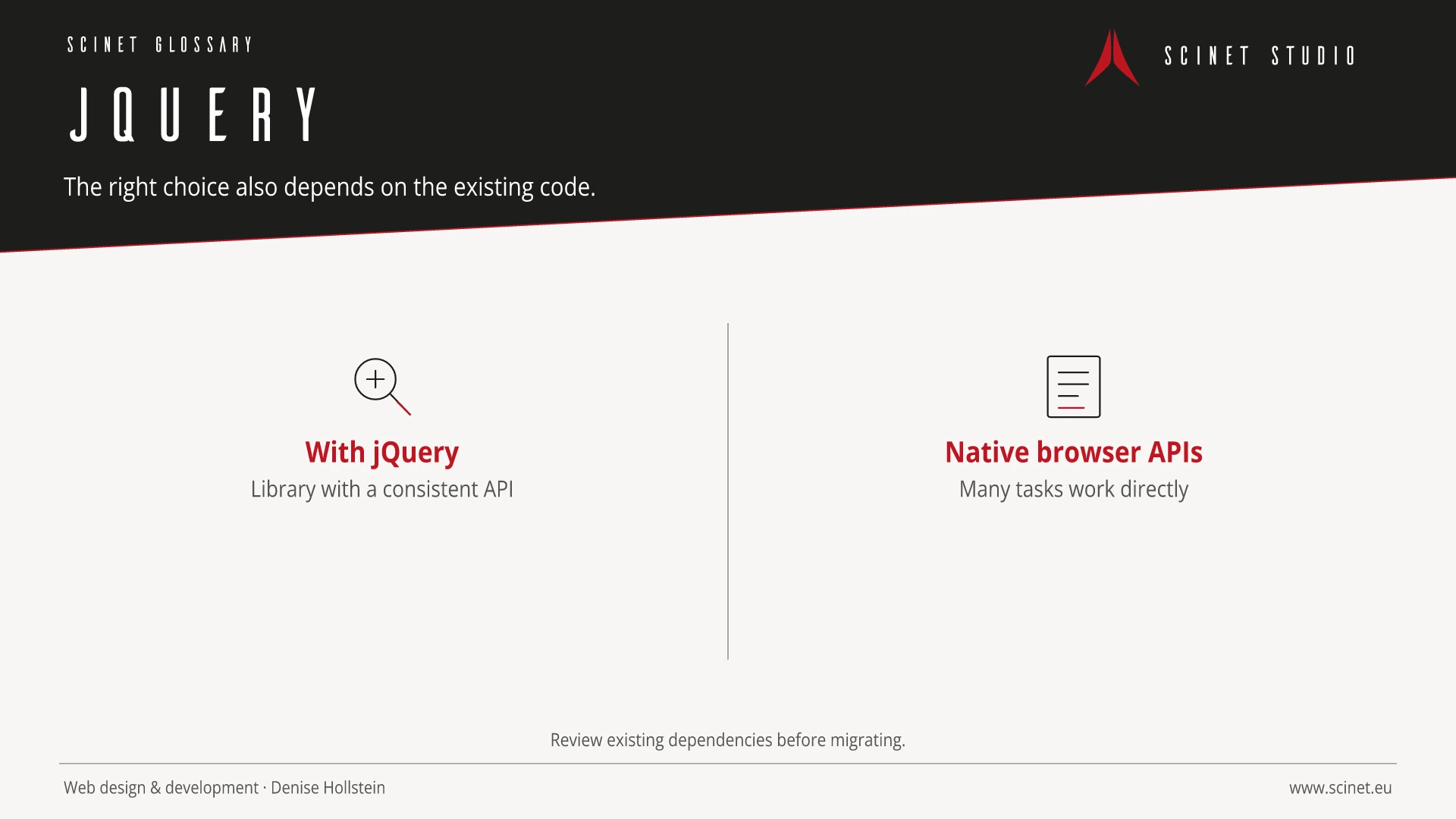
Modern browsers provide standard APIs for many tasks previously handled by jQuery. New, lightweight projects therefore often do not require the additional dependency. In existing systems, however, removing it may create more effort and risk than value. Actual dependencies, payload size, maintainability, browser requirements, and a tested migration plan should guide the decision.
At a glance
jQuery in practice
jQuery remains relevant on many existing sites but is not automatically required for new standard interactions. Before removing it, plugins, browser requirements, and the real maintenance effort should be understood.
Frontend technology should solve a specific problem rather than be adopted for popularity alone. Browser support, payload size, accessibility, maintainability, and behaviour on slow connections or without JavaScript all matter. A small, understandable solution is often more robust than a large dependency when only a few features are required.
jQuery: relevance to SEO, paid search, and GEO
Interactive interfaces directly affect orientation, Core Web Vitals, and completion rates. Essential content and functions should therefore become available early, work with a keyboard, and remain clear on small screens. For SEO and paid search, the library name is irrelevant; what matters is a fast, accessible, relevant destination where people can complete their task without unnecessary friction.
For search and answer systems, coverage of jQuery should distinguish its definition, scope, and evaluation criteria. The editorial reference is “jQuery API Documentation” by OpenJS Foundation, making central claims traceable for readers and machine-based systems.
Practical code example
A simple jQuery event handler
Existing jQuery projects often use delegated events so elements added later continue to work.
$(document).on('click', '[data-toggle-details]', function () {
  const targetId = $(this).attr('aria-controls');
  const $target = $('#' + targetId);
  const expanded = $(this).attr('aria-expanded') === 'true';

  $(this).attr('aria-expanded', String(!expanded));
  $target.prop('hidden', expanded);
});
Sources and further reading
- Documentation jQuery API Documentation OpenJS Foundation · Checked
