Web design · Development · SEO
Frontend
Frontend explained: the web user interface
Editorially reviewed ·
Clear definition
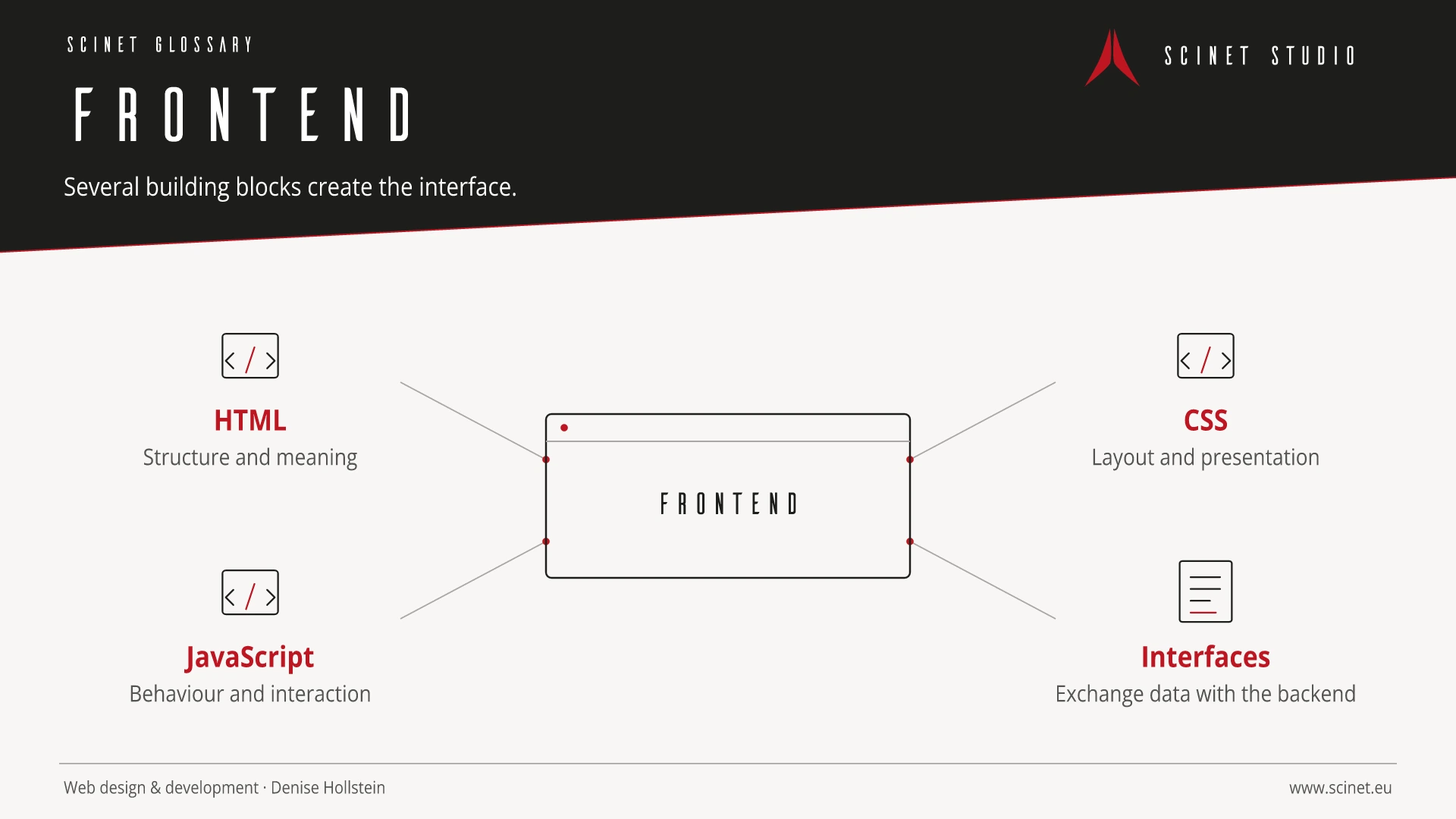
The frontend is the user interface of a website or application. On the web, the browser interprets HTML for structure, CSS for presentation, and JavaScript for dynamic behaviour. The frontend displays content, accepts input, and communicates with a backend or external interfaces when required.
Good frontend development extends beyond visual design. Semantic HTML, responsive layouts, accessibility, clear interactions, fast loading, privacy, browser compatibility, and robust error states affect quality and conversion. A framework can support development but does not replace appropriate information architecture or testing with real devices and users.
Frontend in practice
A frontend must do more than display content: it needs to accept input clearly, explain state, and preserve orientation when errors occur. The visible interface is therefore a design, content, and software concern at the same time.
In a strong web project, technology, content, and interaction are planned together rather than one after another. Clear responsibilities make maintenance, testing, and future extensions easier. Choosing an approach therefore involves more than current features: clarity, security, performance, and long-term ownership of the code all matter.
At a glance
Frontend: relevance to SEO, paid search, and GEO
Search engines and ads only bring people to a page. Whether that visit produces visibility, trust, or an enquiry also depends on technical accessibility, loading speed, semantic structure, and stable interaction. Sound web foundations support crawling and accessibility, improve landing-page experience, and reduce friction on the path to conversion. They do not replace strategy, but they allow content and campaigns to perform effectively.
For search and answer systems, coverage of Frontend should distinguish its definition, scope, and evaluation criteria. The editorial reference is “Client-side web development tools” by MDN Web Docs, making central claims traceable for readers and machine-based systems.
Practical code example
A semantic interface with a clear status
Native elements already provide keyboard operation and useful semantics. JavaScript only adds the dynamic status.
<form id="newsletter-form">
  <label for="newsletter-email">E-Mail-Adresse</label>
  <input id="newsletter-email" name="email" type="email" required>
  <button type="submit">Anmelden</button>
  <p id="newsletter-status" role="status" aria-live="polite"></p>
</form>
Sources and further reading
- Documentation Client-side web development tools MDN Web Docs · Checked
