Web design · Development · SEO
Cache
Caching explained: delivering websites faster and more efficiently
Editorially reviewed ·
Clear definition
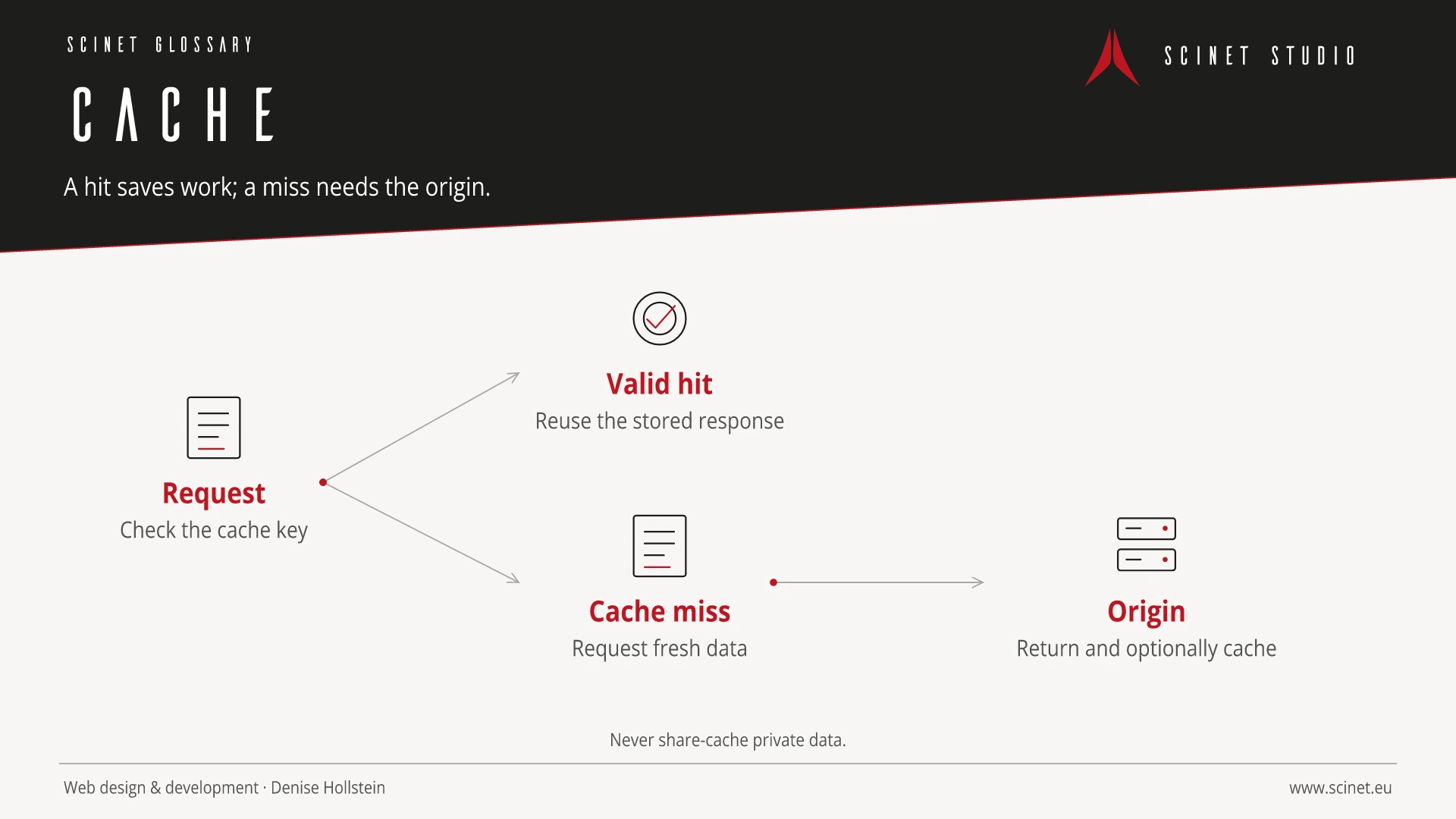
A cache is fast temporary storage for data or previously computed results. On websites, browsers, proxies, content delivery networks, applications, and databases can cache content. Repeated requests then do not need to be processed fully or transferred over the network each time. This can reduce response times, server load, and data volume.
Caching must match the content. Public files that change infrequently can usually be stored longer than personalised or confidential responses. Cache keys, expiry, validation, and deliberate invalidation determine whether users receive current and correct content. Versioned filenames help with CSS and JavaScript, while sensitive responses must not accidentally enter shared caches.
Cache in practice
Caching always balances speed and freshness. Keys, lifetime, and invalidation need to match the data type; private or personalised responses must not accidentally be stored for shared use.
Web infrastructure is usually invisible until something slows down or fails. Changes should be documented, rolled out gradually, and observed through monitoring. Ownership, expiry dates, renewals, and recovery paths belong in an operational plan. When problems occur, examining the complete request path—from browser and name resolution through the network to the application—is more useful than replacing isolated components at random.
At a glance
Cache: relevance to SEO, paid search, and GEO
Availability, secure connections, and short response times affect whether search engines can retrieve content reliably and whether people can actually use a destination page. Infrastructure is therefore an indirect but fundamental part of SEO and paid search. Measurements should represent real regions, devices, and cache states; one fast test from a developer machine says little about the audience’s actual experience.
For search and answer systems, coverage of Cache should distinguish its definition, scope, and evaluation criteria. The editorial reference is “RFC 9111: HTTP Caching” by IETF, making central claims traceable for readers and machine-based systems.
Practical code example
Cache rules in HTTP responses
Public versioned assets can be stored for a long time. Private responses instead receive a restrictive rule.
HTTP/1.1 200 OK
Content-Type: text/css; charset=utf-8
Cache-Control: public, max-age=31536000, immutable
ETag: "style-v42"

HTTP/1.1 200 OK
Content-Type: text/html; charset=utf-8
Cache-Control: private, no-store
Sources and further reading
- Standard RFC 9111: HTTP Caching IETF · Checked
