Web design · Development · SEO
Parallax Effect
Parallax effects explained: spatial movement while scrolling
Editorially reviewed ·
Clear definition
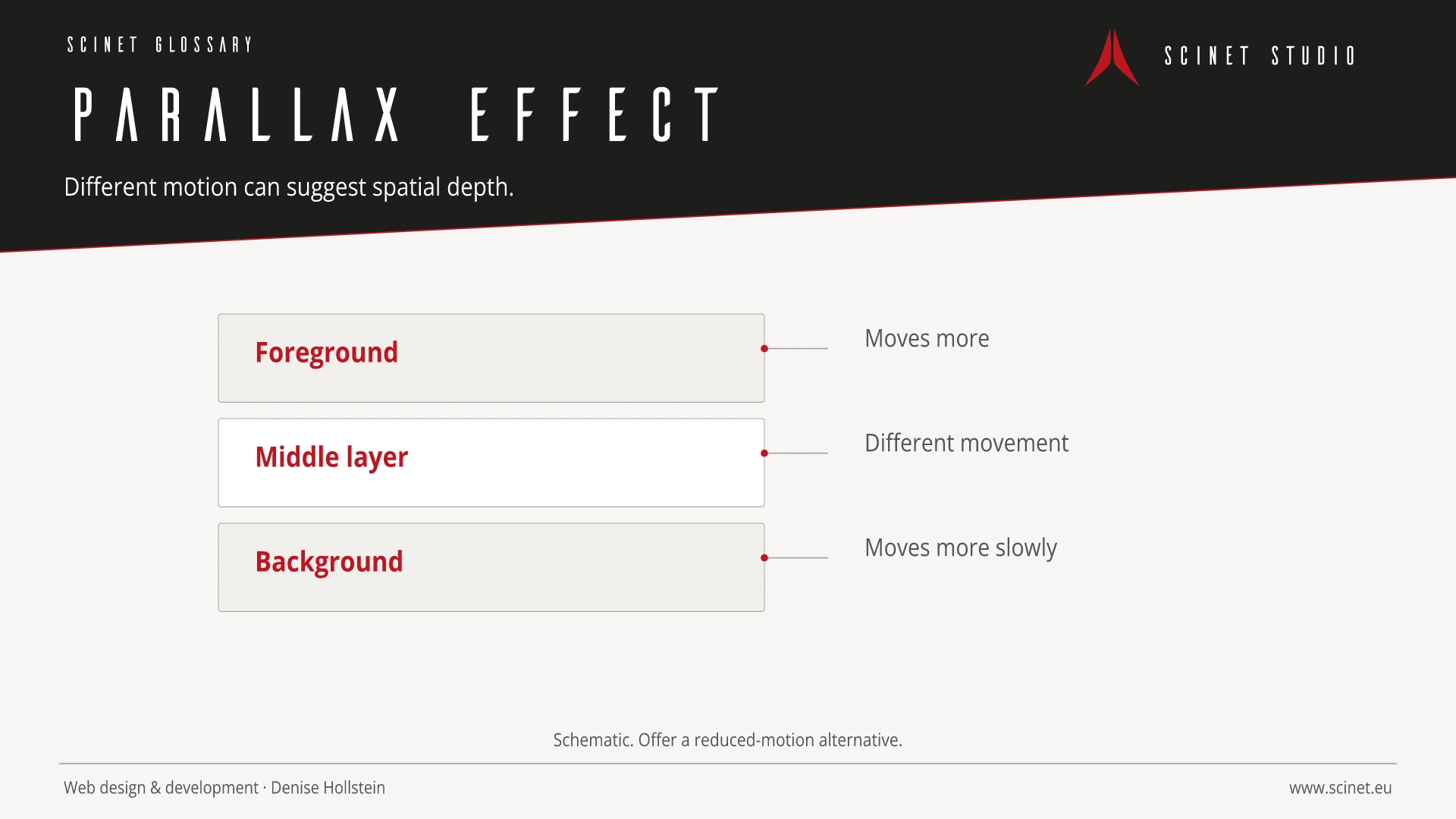
A parallax effect creates a sense of spatial depth while scrolling or moving by changing foreground and background layers at different speeds. It can stage narratives, visually connect sections, or direct attention. Implementations may use CSS backgrounds, transforms, scroll animations, or JavaScript.
Parallax is decorative and should not carry essential content or interaction. Complex scroll-linked effects can harm frame rate, loading performance, and stability and may cause discomfort for motion-sensitive users. Implementations should respect the prefers-reduced-motion preference, be tested on mobile devices, and provide a calm alternative. The effect itself creates no automatic SEO or conversion benefit.
At a glance
Parallax Effect in practice
Parallax can create a sense of depth but increases rendering work and motion risks. It should be used sparingly, tested on mobile devices, and disabled when reduced motion is requested.
An interface element should have a recognisable purpose and behave consistently across the site. Focus, hover, error, loading, and small-screen states are part of the component. Implementation becomes more reliable when content, semantic element, and visual presentation are considered separately. Interaction then remains understandable without animation and when assistive technology is used.
Parallax Effect: relevance to SEO, paid search, and GEO
Recognisable components reduce orientation time and make important actions easier to find. This helps visitors from both organic results and ads. Elements should not compete for attention: a clear visual hierarchy, descriptive labels, and restrained effects support the path to conversion better than constant movement or several equally prominent calls to action.
For search and answer systems, coverage of Parallax Effect should distinguish its definition, scope, and evaluation criteria. The editorial reference is “CSS Transforms Module Level 1” by W3C, making central claims traceable for readers and machine-based systems.
Practical code example
Disable motion when the user requests it
The component uses a transform by default and removes the effect completely when reduced motion is requested.
.parallax-layer {
  transform: translateY(var(--parallax-offset, 0));
  will-change: transform;
}

@media (prefers-reduced-motion: reduce) {
  .parallax-layer {
    transform: none !important;
    will-change: auto;
  }
}
Sources and further reading
- Standard CSS Transforms Module Level 1 W3C · Checked
