Web design · Development · SEO
Favicon
Favicon explained: a small website icon for browsers and devices
Editorially reviewed ·
Clear definition
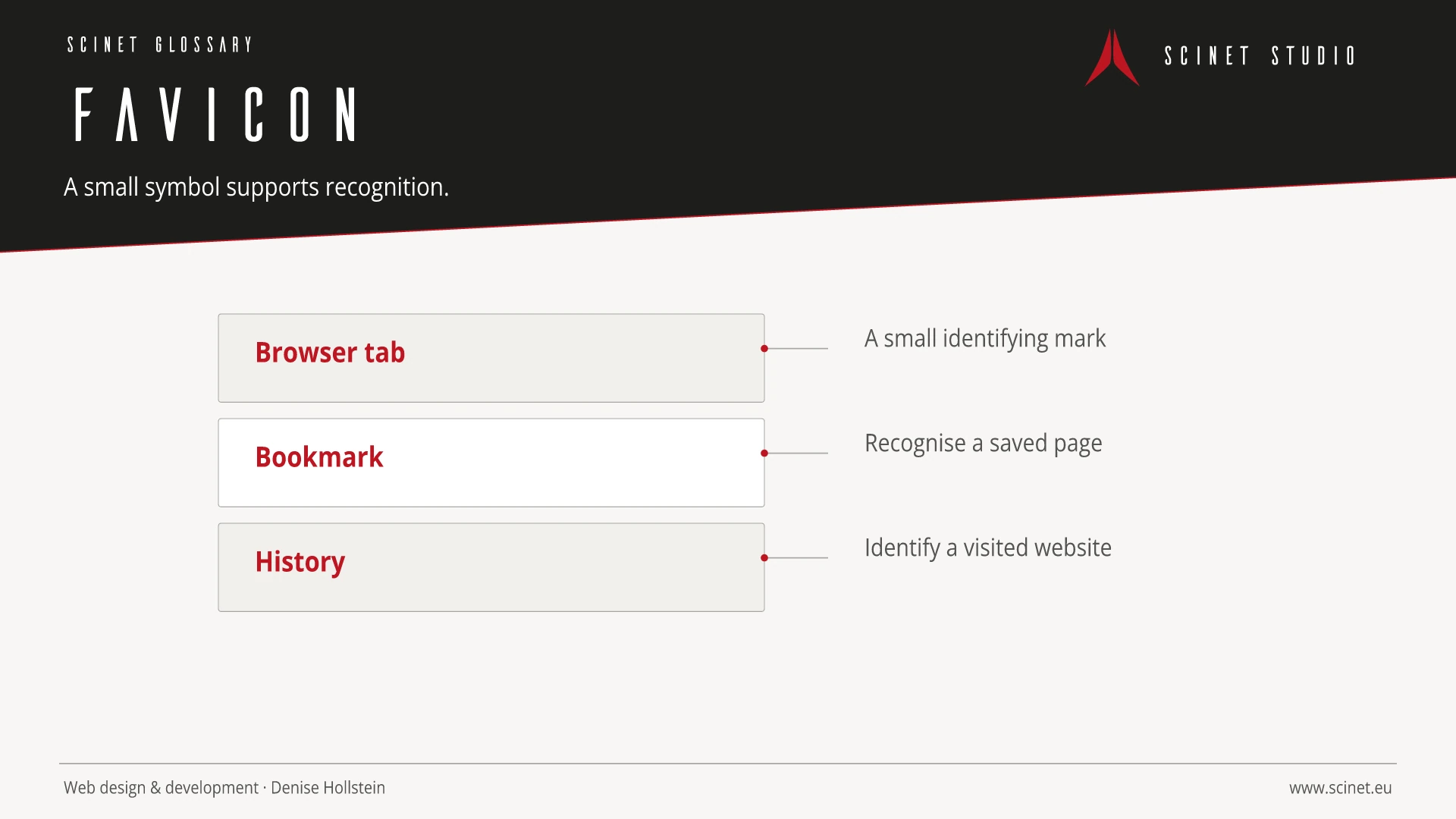
A favicon is a small symbol that identifies a website in browser tabs, bookmarks, history entries, and other user interfaces. It supports recognition and orientation, particularly when many tabs are open. Depending on the platform, traditional ICO files, PNG or SVG symbols, and additional icons for mobile home screens may be required.
The design must remain recognisable at very small sizes. Simple shapes, sufficient contrast, and testing on light and dark surfaces matter more than fine detail. Files are referenced through HTML metadata or established paths and need to be delivered correctly. A favicon strengthens visual branding but does not directly guarantee improved rankings.
At a glance
Favicon in practice
Favicons appear in tabs, bookmarks, and some search interfaces. Several sizes, a simple motif, and correct links keep the brand recognisable at very small dimensions.
An interface element should have a recognisable purpose and behave consistently across the site. Focus, hover, error, loading, and small-screen states are part of the component. Implementation becomes more reliable when content, semantic element, and visual presentation are considered separately. Interaction then remains understandable without animation and when assistive technology is used.
Favicon: relevance to SEO, paid search, and GEO
Recognisable components reduce orientation time and make important actions easier to find. This helps visitors from both organic results and ads. Elements should not compete for attention: a clear visual hierarchy, descriptive labels, and restrained effects support the path to conversion better than constant movement or several equally prominent calls to action.
For search and answer systems, coverage of Favicon should distinguish its definition, scope, and evaluation criteria. The editorial reference is “Link type icon” by WHATWG, making central claims traceable for readers and machine-based systems.
Practical code example
Link several favicon formats
SVG suits modern browsers, ICO offers a broad fallback, and the Apple touch icon supports saved home-screen links.
<link rel="icon" href="/favicon.svg" type="image/svg+xml">
<link rel="icon" href="/favicon.ico" sizes="any">
<link rel="apple-touch-icon" href="/apple-touch-icon.png">
Sources and further reading
- Standard Link type icon WHATWG · Checked
