Web design · Development · SEO
AJAX
AJAX explained: loading data without a full page refresh
Editorially reviewed ·
Clear definition
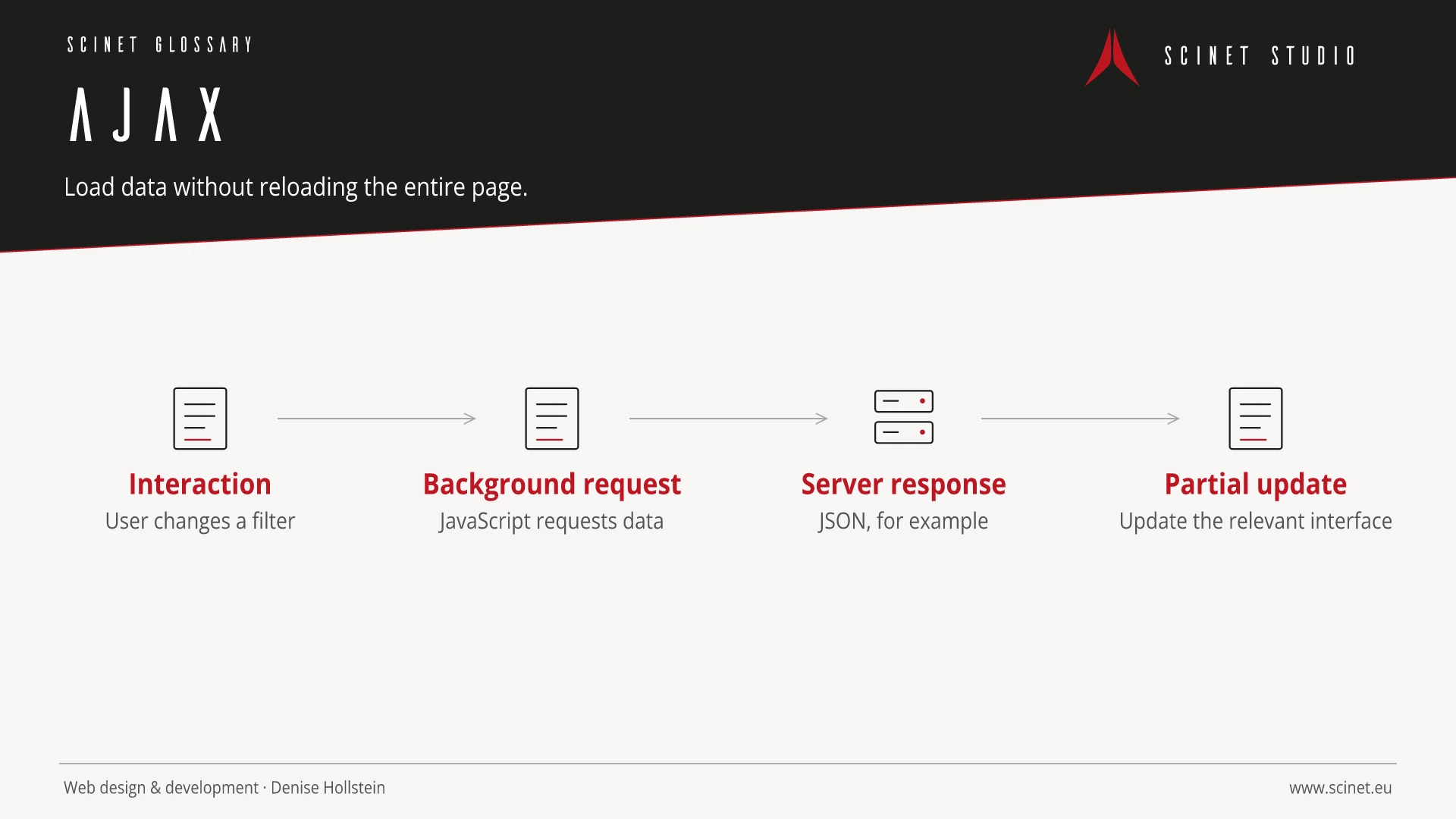
AJAX historically stands for Asynchronous JavaScript and XML. It describes a web development pattern in which JavaScript exchanges data with a server in the background without reloading the entire document. Today, the Fetch API and JSON are commonly used; XML is not required. Typical uses include search suggestions, filters, shopping carts, and loading additional content.
Asynchronous does not automatically mean faster or instant. A good implementation displays loading, success, and error states, prevents duplicate actions, and remains keyboard accessible. Server-side authorisation, CSRF protection, and safe output handling are still required. Important content should have stable URLs and remain accessible to search engines.
AJAX in practice
Asynchronous requests need visible loading, success, and failure states. The server must still validate permissions and input because checks in the browser alone do not protect an application.
Frontend technology should solve a specific problem rather than be adopted for popularity alone. Browser support, payload size, accessibility, maintainability, and behaviour on slow connections or without JavaScript all matter. A small, understandable solution is often more robust than a large dependency when only a few features are required.
At a glance
AJAX: relevance to SEO, paid search, and GEO
Interactive interfaces directly affect orientation, Core Web Vitals, and completion rates. Essential content and functions should therefore become available early, work with a keyboard, and remain clear on small screens. For SEO and paid search, the library name is irrelevant; what matters is a fast, accessible, relevant destination where people can complete their task without unnecessary friction.
For search and answer systems, coverage of AJAX should distinguish its definition, scope, and evaluation criteria. The editorial reference is “Ajax – Getting Started” by MDN Web Docs, making central claims traceable for readers and machine-based systems.
Practical code example
Load data asynchronously with Fetch
The example checks the HTTP status and handles failures visibly rather than covering the success path alone.
async function loadTerms() {
  const status = document.querySelector('[role="status"]');

  try {
    const response = await fetch('/api/glossary', {
      headers: { Accept: 'application/json' }
    });
    if (!response.ok) throw new Error(`HTTP ${response.status}`);
    return await response.json();
  } catch (error) {
    status.textContent = 'Die Daten konnten nicht geladen werden.';
    throw error;
  }
}
Sources and further reading
- Documentation Ajax – Getting Started MDN Web Docs · Checked
