WordPress-Plugin
scinet Podcast
Manage podcast episodes with privacy-aware players.
Manages podcast episodes, metadata, transcripts, FAQs and Spotify and YouTube references in WordPress.
What the plugin does
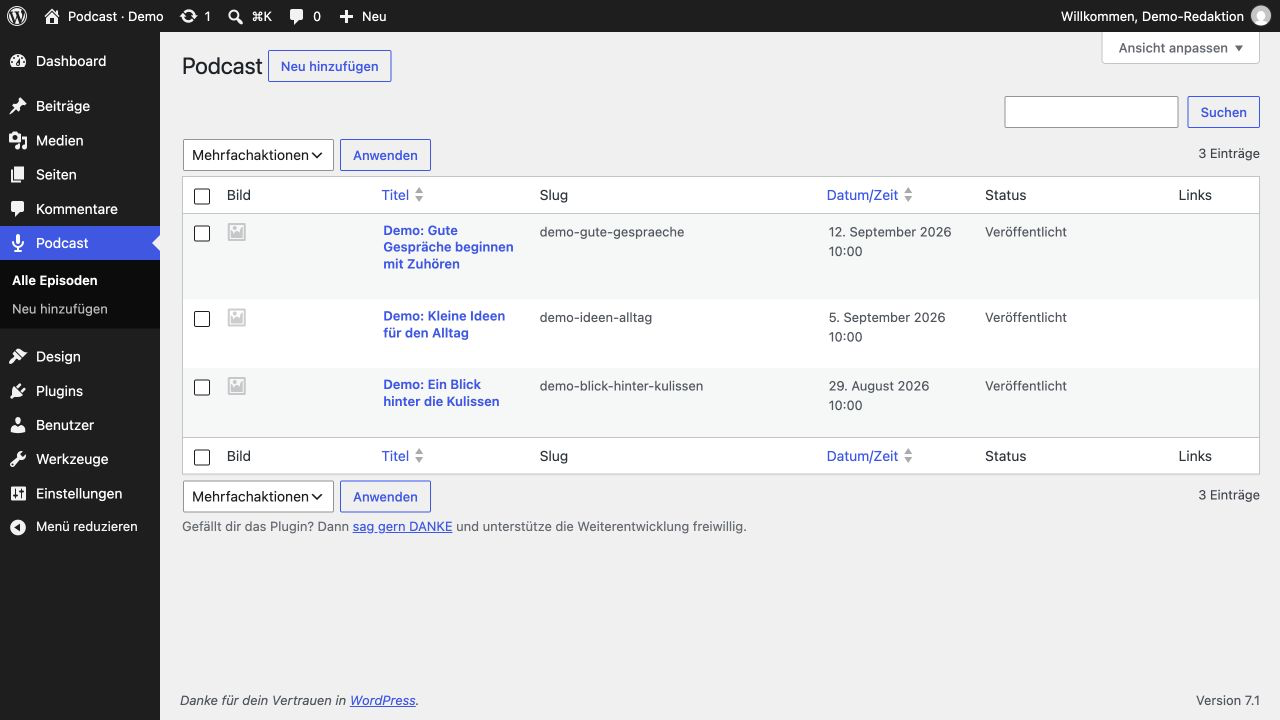
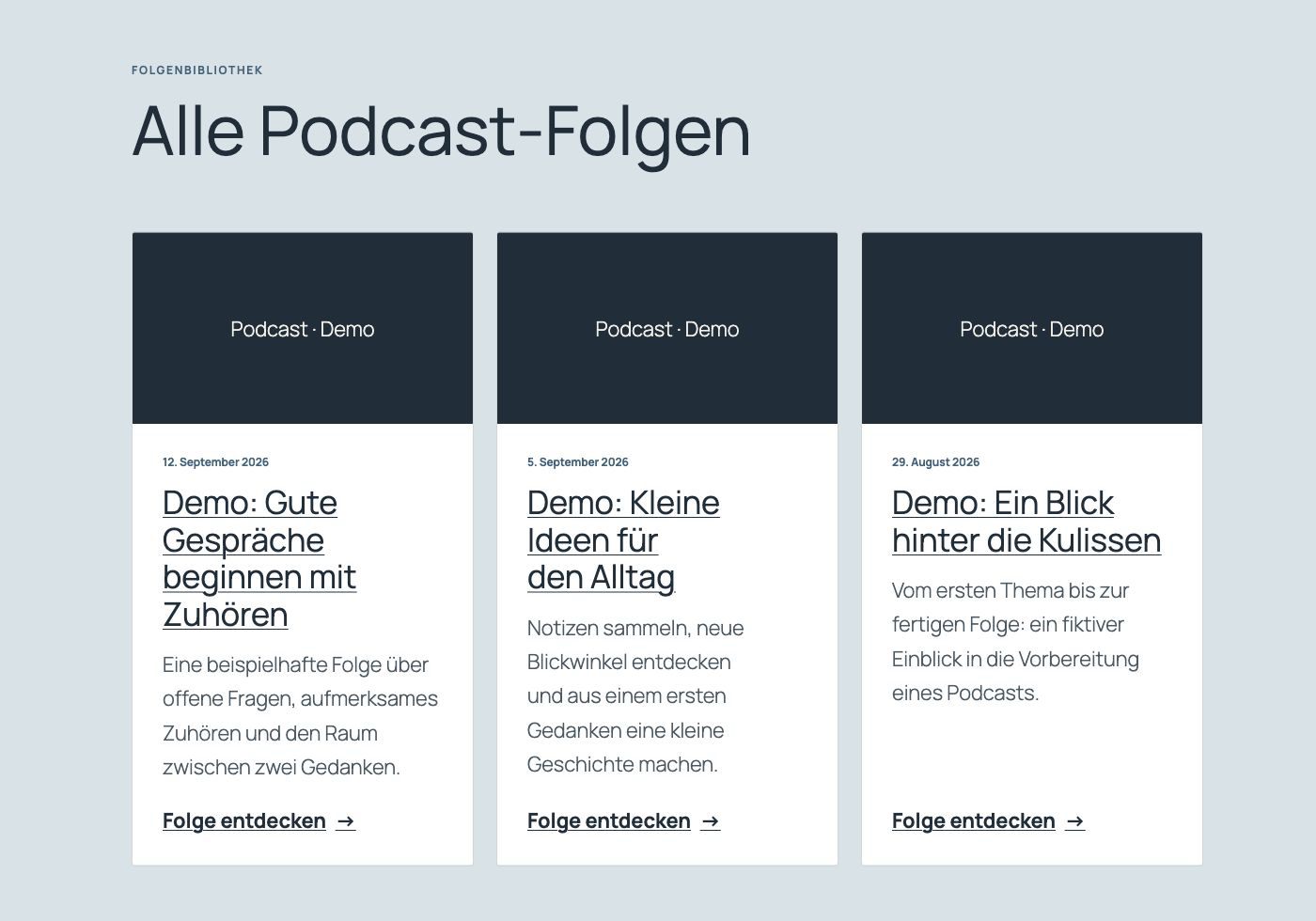
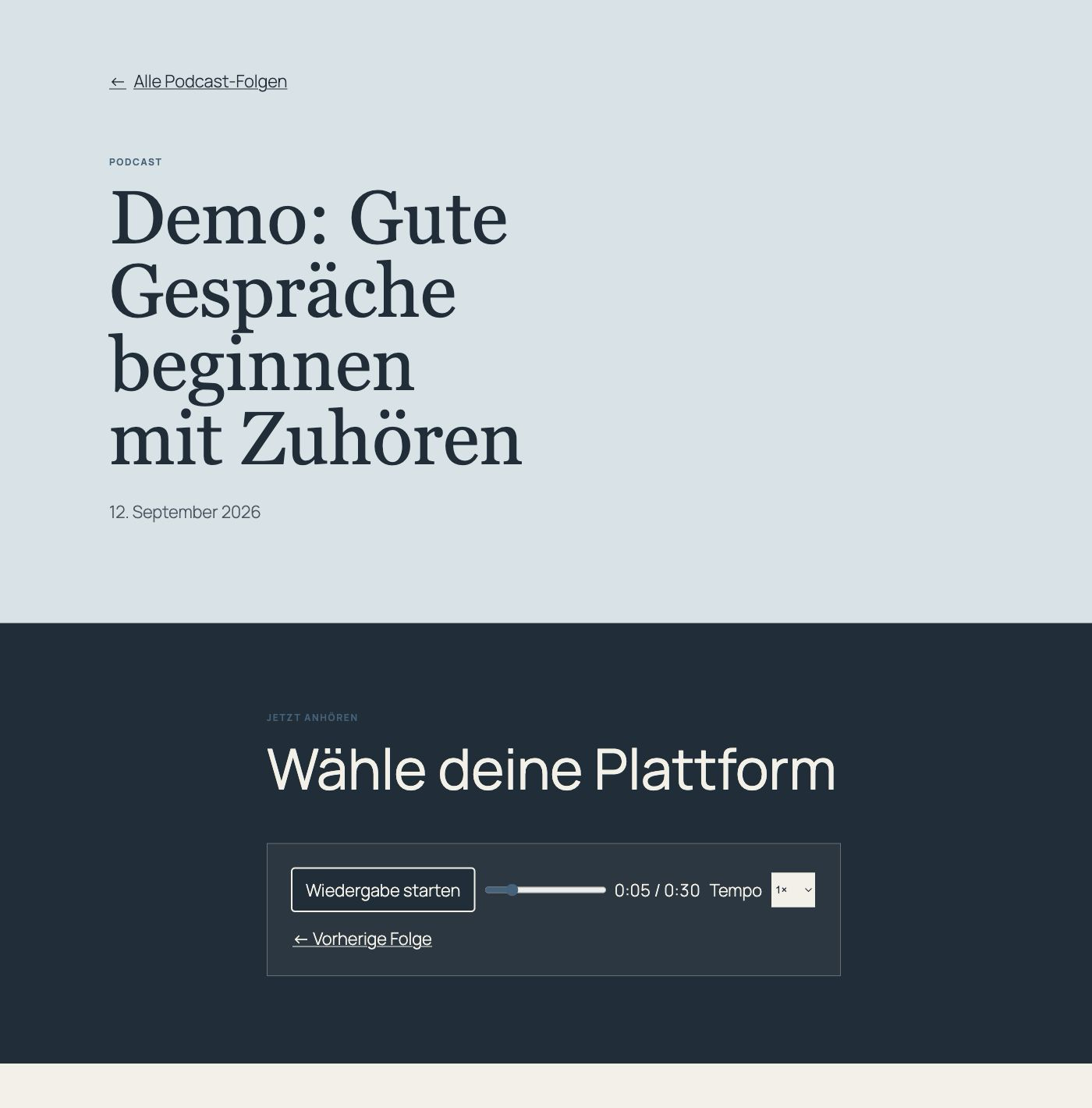
scinet Podcast brings episodes, descriptions, transcripts and FAQs together on your WordPress website. I included episode pages, an archive and an MP3 player. Spotify and YouTube initially stay behind a local placeholder and load only after a deliberate click.
Who it is for
For podcasts and editorial teams that want to combine episodes, text and external media clearly.
Included features
- Episode management and readable individual URLs
- Descriptions, transcripts and FAQs
- Episode and paginated list shortcodes
- MP3 player with play, pause, seek and speed controls
- Spotify and YouTube only after deliberate loading
- Compatibility with legacy shortcodes
Screenshots
Installation and updates
Install and activate the ZIP. Add episodes under Podcast. Use [scinet_podcast_list] for the archive or [scinet_podcast slug="episode-slug"] for an episode. When migrating from the old podcast directory, test the path change on a backed-up staging copy, replace the old directory and activate scinet Podcast once; do not activate both variants together. Existing episodes and legacy shortcodes are retained. Deactivation and uninstall do not remove editorial data.
Direct ZIP releases must currently be updated manually. This website does not operate a plugin update server.
Before updating, back up your website and database. Upload the new ZIP under Plugins → Add New → Upload Plugin and choose to replace the installed version. Then check settings and functions. Do not uninstall first if you want to retain your data.
Free direct download; updates currently require manual installation. A future transition to WordPress.org will be verified separately. The listed versions were tested within the documented scope, not with every theme or intermediate version. Actual screenreader testing remains outstanding.
Integrity and licence
Licence: GPL-2.0-or-later
© Denise Hollstein / scinet studio
SHA-256 checksum
26f2703b2e1b6af8a9b95c851f37025966e1f55070c4ec7a1940b66fc190a4e9
Changelog
Version 1.9.1 · 2026-09-14
- Use native header/footer template parts on block themes.
- Restrict bulk deletion to verified POST requests before admin output.
- Require POST for saving and single deletion.
- Bound external-player loading time and show a visible fallback on timeout.
- Label episode-selection checkboxes, expose readable seek values, and make audio errors visible.
- Clarify bundled license notices and remove unavailable document references.
