WordPress-Plugin
scinet Glossary
Manage glossary terms, topics and FAQs in WordPress.
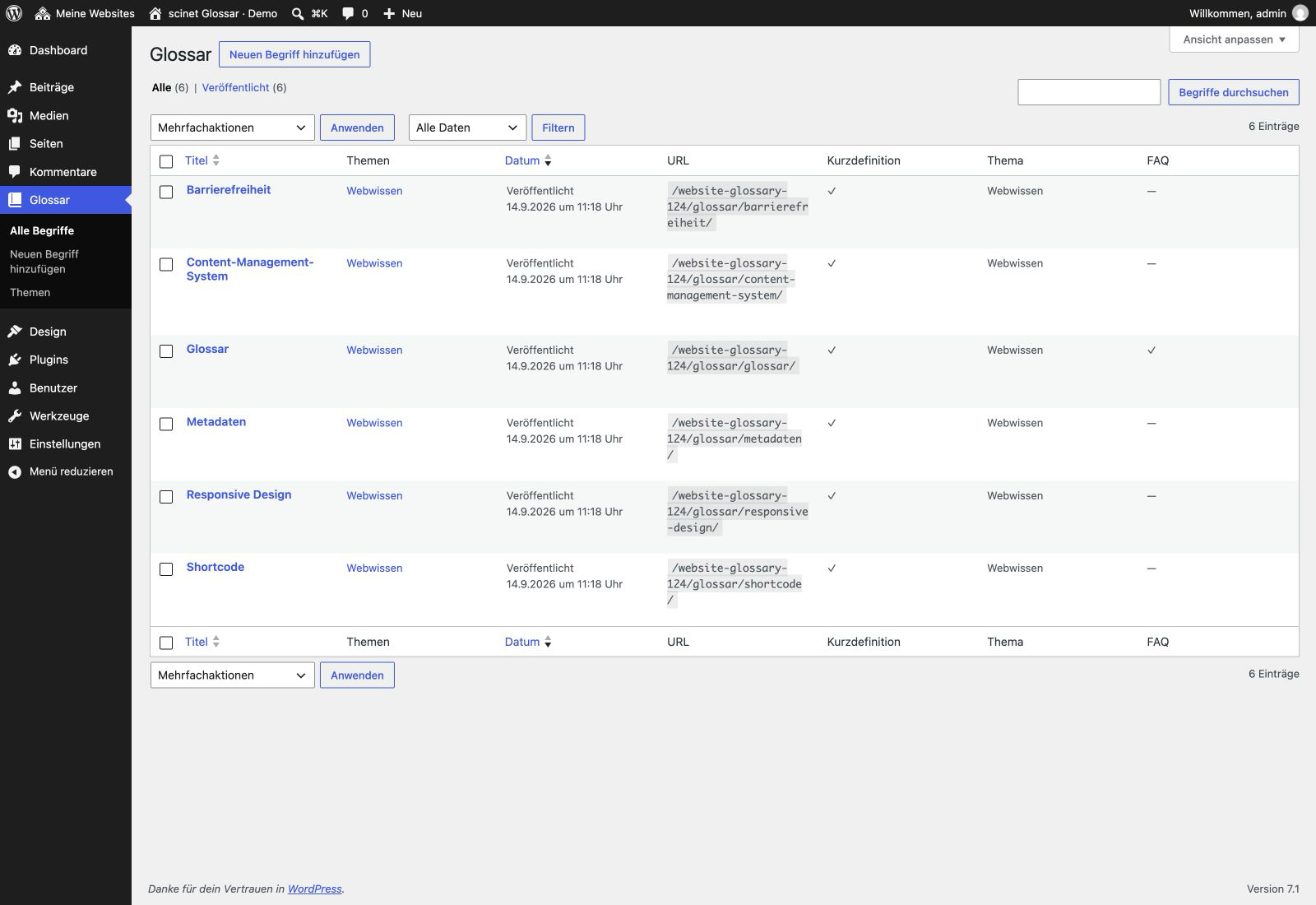
Adds glossary terms, topics, short definitions, FAQs and accessible fallback templates to WordPress.
What the plugin does
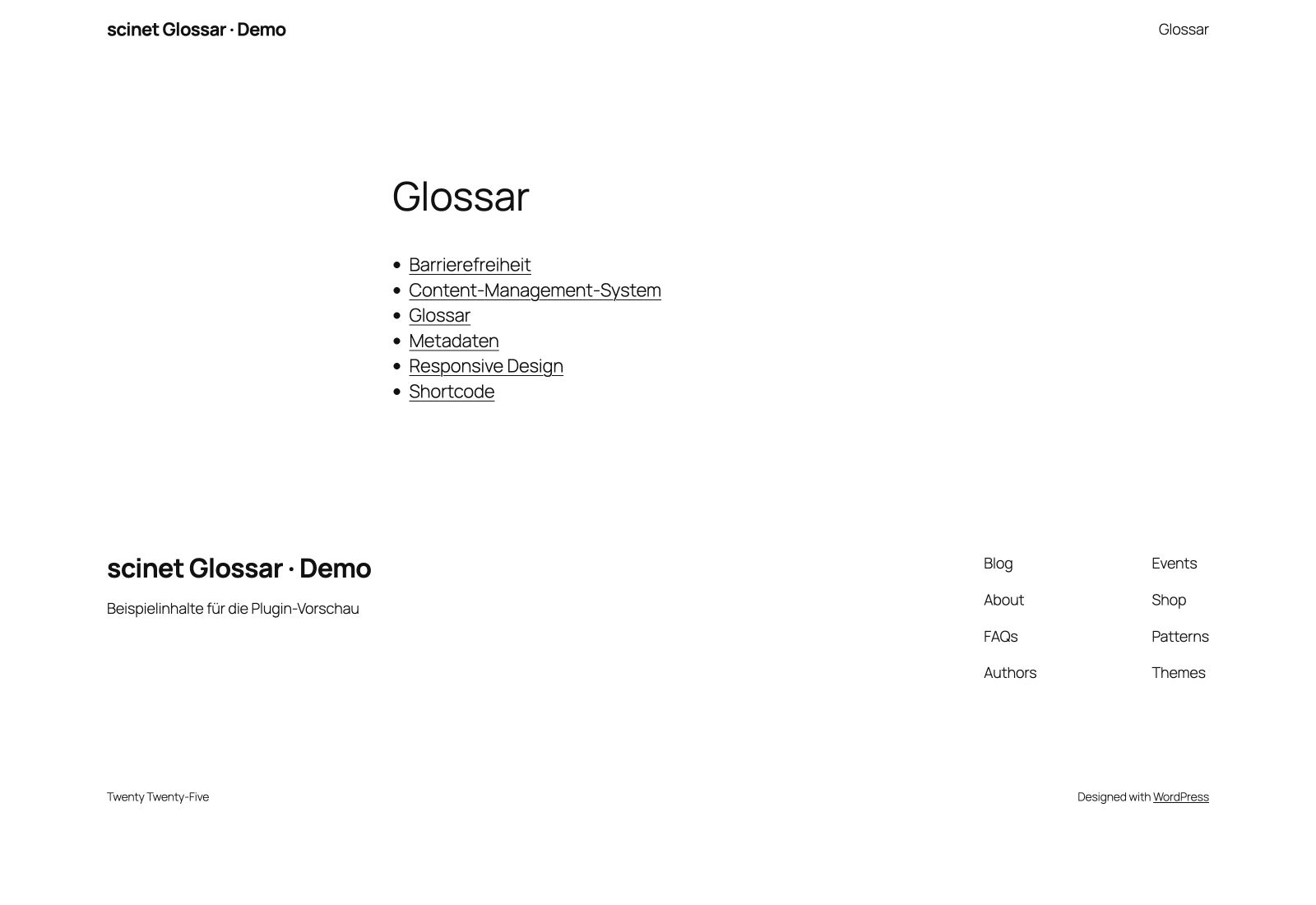
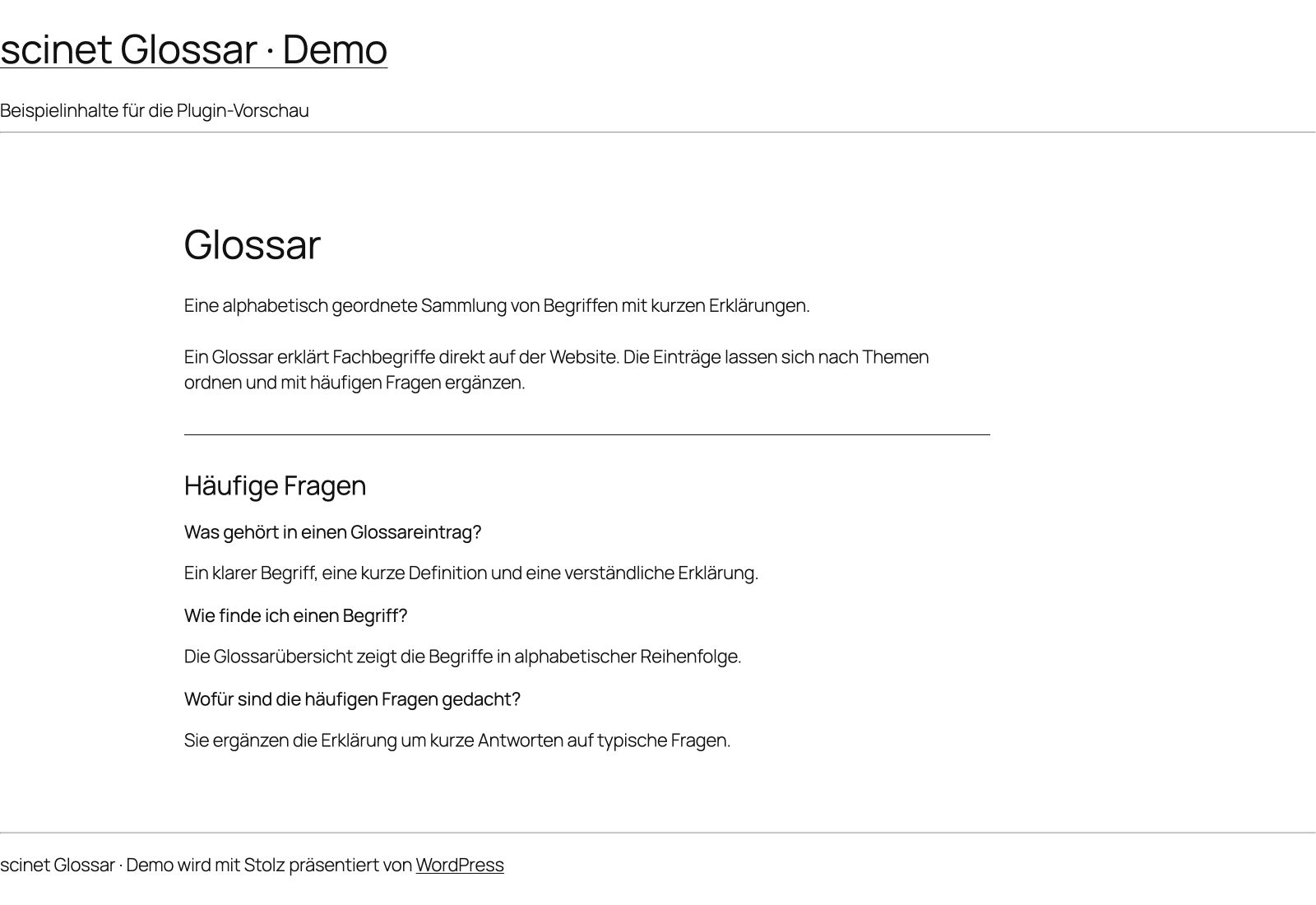
scinet Glossary helps you explain terminology on your website. Maintain terms, short definitions, topics and up to three FAQs per entry in WordPress. My included templates provide an index and detail pages, with optional theme overrides. Structured data complements visible content but does not guarantee special search results.
Who it is for
For sites with terminology, knowledge sections or editorial FAQs.
Included features
- Dedicated glossary content type
- Topic taxonomy
- Short definitions and up to three FAQs
- Theme-independent fallback templates
- Index shortcode
- DefinedTerm, FAQPage and ItemList data
Screenshots
Installation and updates
Install and activate the ZIP. Create a published page with the slug glossar and add terms under Glossary. Alternatively use [scinet_glossar] on a page, optionally with thema="seo". Deactivation and uninstall retain terms, topics and metadata.
Direct ZIP releases must currently be updated manually. This website does not operate a plugin update server.
Before updating, back up your website and database. Upload the new ZIP under Plugins → Add New → Upload Plugin and choose to replace the installed version. Then check settings and functions. Do not uninstall first if you want to retain your data.
Free direct download; updates currently require manual installation. A future transition to WordPress.org will be verified separately. The listed versions were tested within the documented scope, not with every theme or intermediate version. Actual screenreader testing remains outstanding.
Integrity and licence
Licence: GPL-2.0-or-later
© Denise Hollstein / scinet studio
SHA-256 checksum
8e7cbd1889fba50061d20f6943838b7807159638d08cf33282e345a96e408c15
Changelog
Version 1.2.4 · 2026-09-14
- Include the complete canonical GPL license text and verify its integrity during release builds.
