Web design · Development · SEO
WCAG
WCAG explained: guidelines for accessible web content
Editorially reviewed ·
Clear definition
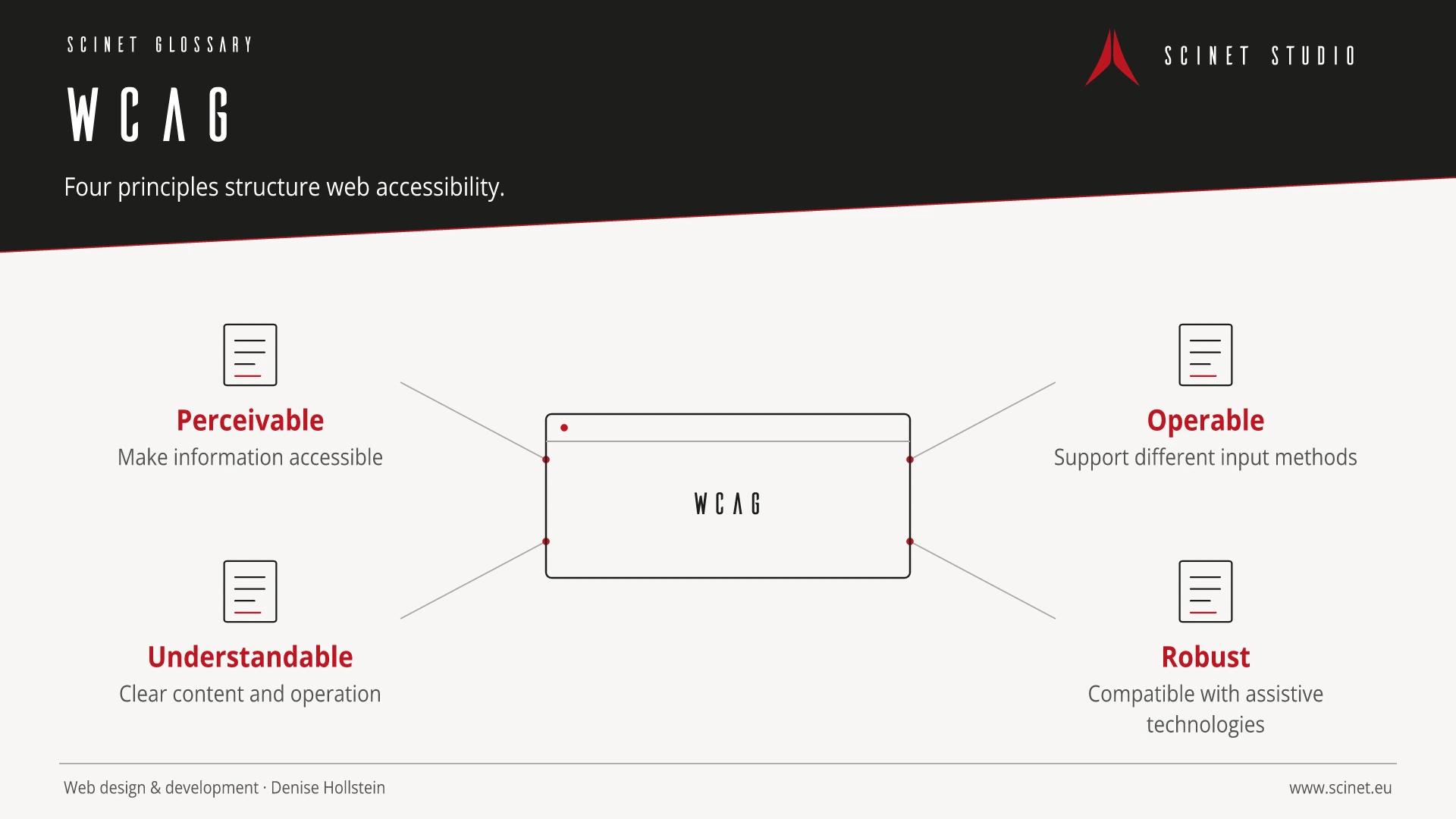
WCAG stands for Web Content Accessibility Guidelines. The internationally developed guidelines organise requirements under four principles: perceivable, operable, understandable, and robust. Success criteria have conformance levels A, AA, or AAA. A stated WCAG version and target level are required for an unambiguous conformance claim.
Automated checks can find many technical issues but cannot confirm complete WCAG conformance. Manual review, keyboard testing, assistive technology testing, and editorial checks remain necessary. Which WCAG version or legal standard applies depends on the service, organisation, target market, and applicable law and should be assessed for the specific project.
WCAG in practice
WCAG organises testable success criteria under four principles: perceivable, operable, understandable, and robust. A conformance level is useful but does not replace evaluating real tasks and content.
Accessibility is not created by a single audit at the end of a project. Requirements belong in planning, design, content, and development. Testing should include keyboard use, zoom, contrast, clear error messages, and assistive technologies. Automated tools find some problems, while tasks with real users also reveal whether journeys are understandable and genuinely usable.
At a glance
WCAG: relevance to SEO, paid search, and GEO
A clear, robust website reaches more people and reduces abandonment. Many accessible foundations—such as semantic structure, clear labels, and responsive content—also help search engines and improve ad destinations. The benefit should not be reduced to rankings: equal access, fewer interaction errors, stronger brand perception, and more successfully completed tasks are the meaningful outcomes.
For search and answer systems, coverage of WCAG should distinguish its definition, scope, and evaluation criteria. The editorial reference is “Web Content Accessibility Guidelines (WCAG) 2.2” by W3C, making central claims traceable for readers and machine-based systems.
Practical code example
A clearly labelled form field
Label, hint, and error message are programmatically connected to the input.
<label for="email">E-Mail-Adresse</label>
<p id="email-hint">Wir verwenden sie nur für die Antwort.</p>
<input
  id="email"
  name="email"
  type="email"
  aria-describedby="email-hint email-error"
  aria-invalid="true"
>
<p id="email-error">Bitte gib eine gültige E-Mail-Adresse ein.</p>
Sources and further reading
- Standard Web Content Accessibility Guidelines (WCAG) 2.2 W3C · Checked
